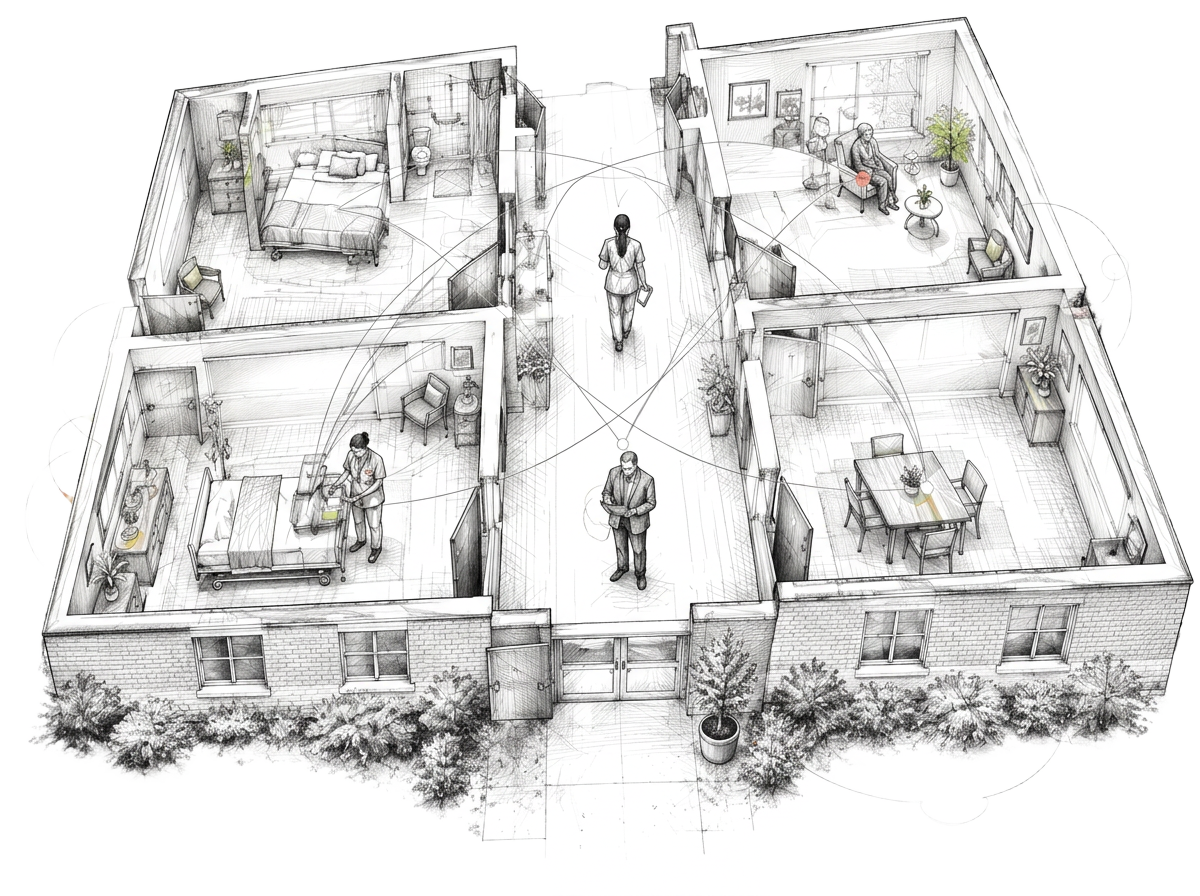
Start with the work, not the feature list.
Skilled nursing facilities already have records, reports, schedules, and billing tools. The question isn’t whether another screen can show more data. It’s whether someone can answer a practical question without asking three people for a spreadsheet.
Before evaluating skilled nursing facility software, write down the decisions your administrator, director of nursing, admissions team, and business office make each day. Then trace what information each decision depends on, where it lives, and who has to update it.
Census and admissions: what is available, and when?
A useful census view separates residents currently in a bed, expected admissions and discharges, and beds that are truly ready. An open bed on paper isn’t necessarily an available bed for a particular referral. Ask how the view handles unit, room type, and the timing of changes.
For groups with more than one building, compare the same definitions across facilities. If each building counts “available” differently, a combined number creates confidence without clarity.
Staffing: pair the schedule with the floor.
Coverage is a moving target. Show scheduled staff, uncovered shifts, and changes in resident count together so the team can see where a gap matters. Don’t assume a scheduling screen alone answers a staffing question: verify who owns updates and how late changes appear.
For U.S. skilled nursing facilities, staffing reporting is also a distinct workflow. CMS describes Payroll-Based Journal submissions as based on payroll and other auditable records, including direct-care staffing. A planning dashboard should not be presented as a substitute for official reporting.
Revenue: make follow-up visible.
The business office needs more than a total balance. Consider whether a view can identify claims awaiting action, aged receivables, and who owns the next step. Keep payer types and definitions explicit so a team can reconcile the dashboard against the source system.
Medicare’s Patient Driven Payment Model is a specific skilled nursing payment system; it should not be reduced to a single generic “revenue” number. If reimbursement information matters to your evaluation, ask how it is sourced, refreshed, and reviewed by the people responsible for it.
A better software evaluation
- Choose one real workflow. Walk from a new referral through bed availability, coverage, and the next responsible person.
- Ask where the data comes from. Clarify which system is the source of truth and when updates become visible.
- Test exceptions. See what happens when a discharge changes, a shift opens, or a claim needs follow-up.
- Define ownership. A dashboard is only useful when the team agrees who keeps each view current.
SNF Software’s on-site views are illustrative examples of census, staffing, and revenue workflows. They aren’t claims about live integrations or a finished deployment at your facility. Explore the example views, then bring your own workflow to the conversation.
What does your team need to see?
Bring a real workflow. We’ll talk through where a clearer view could help.
Start the conversation