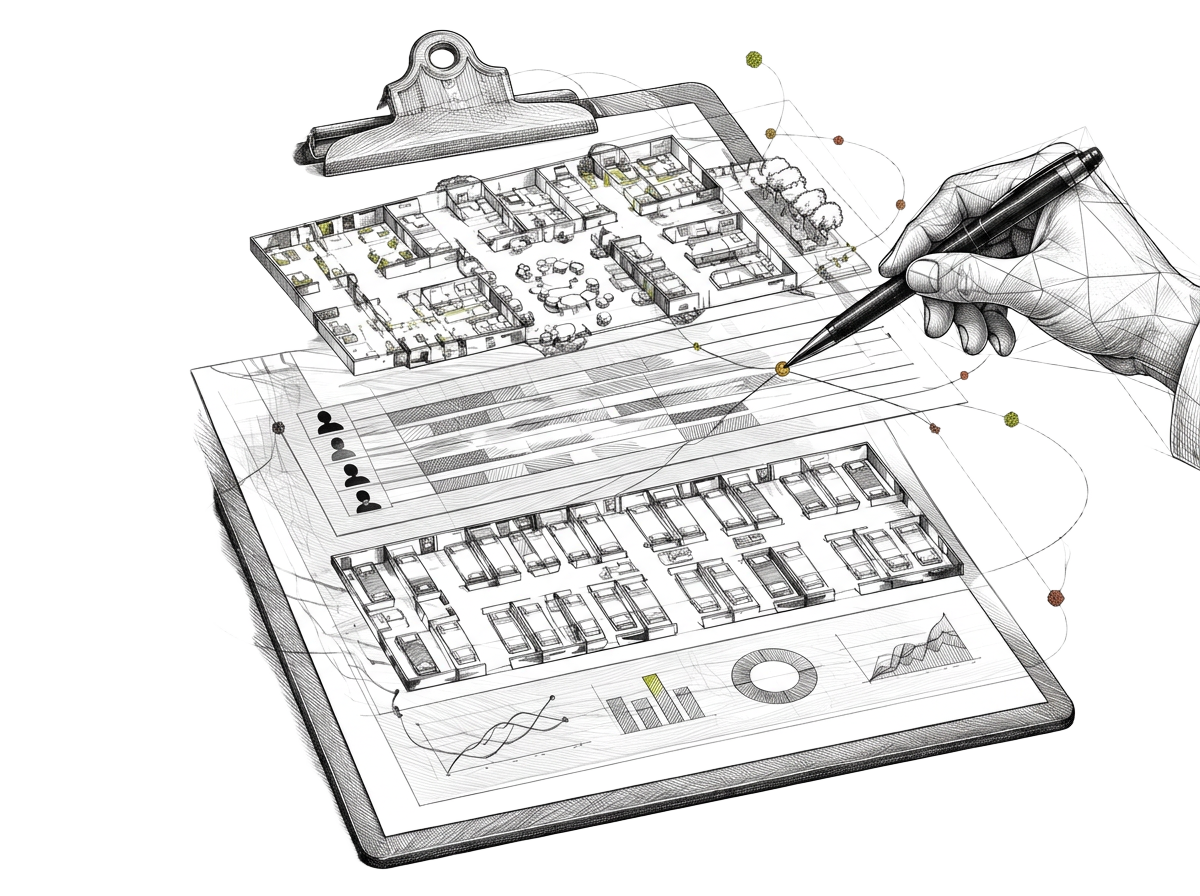
A dashboard should answer a question.
“Put everything on one screen” is a tempting brief. It often leaves a team with more numbers but no clearer next move. Start with a question someone asks every day: Which unit has capacity? Where is tonight’s coverage thin? Which account needs a follow-up?
Each answer needs a definition, a refresh expectation, and an owner. Without those, an attractive chart can quietly become another report people stop trusting.
Census: separate beds from opportunities.
Show occupied capacity by unit, not just a building-wide percentage. A room that exists, a room that is ready, and a room appropriate for a referral are different things. Make those distinctions visible before someone acts on a total.
Useful questions include: What changed since yesterday? Are expected discharges reflected? Does the admissions team see the same definition of an open bed as the administrator?
Staffing: show what needs attention before the shift.
A staffing view can bring scheduled coverage, open shifts, and unit-level needs into the same frame. Make the time window unmistakable; “today” on a morning screen shouldn’t hide an evening gap. A color alone shouldn’t be the only signal—label the gap and its status.
For SNFs, distinguish internal scheduling from official staffing measures. CMS explains that reported staffing data can be combined with census information to describe staffing levels. That reporting process and a live operational view serve different purposes.
Revenue: show the queue, not just the total.
High-level totals matter, but work happens in exceptions and follow-ups. An actionable view can group items by status, priority, and owner. Teams should be able to tell which figures are current, which are illustrative estimates, and which need verification in the billing system.
Build around a real morning.
- Listen first. Note the questions raised in an actual stand-up or handoff.
- Map sources. Document where each answer lives and whether the definitions match.
- Prototype a small view. Put only the essential numbers and exceptions on the screen.
- Validate with users. Ask a nurse leader, administrator, and business office lead what they would do next.
See our skilled nursing software guide for a wider evaluation framework. The dashboard on our home page is explicitly a sample—not a claim that these particular metrics are connected to a live facility.
What does your team need to see?
Bring a real workflow. We’ll talk through where a clearer view could help.
Start the conversation